
Roles
Many different roles can be created to reflect the different responsibilities of the users in your company. Roles can be configured, based on the workflow required of the user. For example, a Foreman may have different responsibilities than a Branch Manager, and thus, their permissions need to be different. Managing roles requires the Users and Settings access permission.
Roles can be accessed by navigating to the Settings tab and then clicking Roles in the left pane
Click Create new role to if you would like to add another role. Click Edit if you would like to edit permissions for a specific role.
Default Permissions
All users with a role will be able to sign in and complete tasks that were created by them, that are assigned to them, or that they are watching.
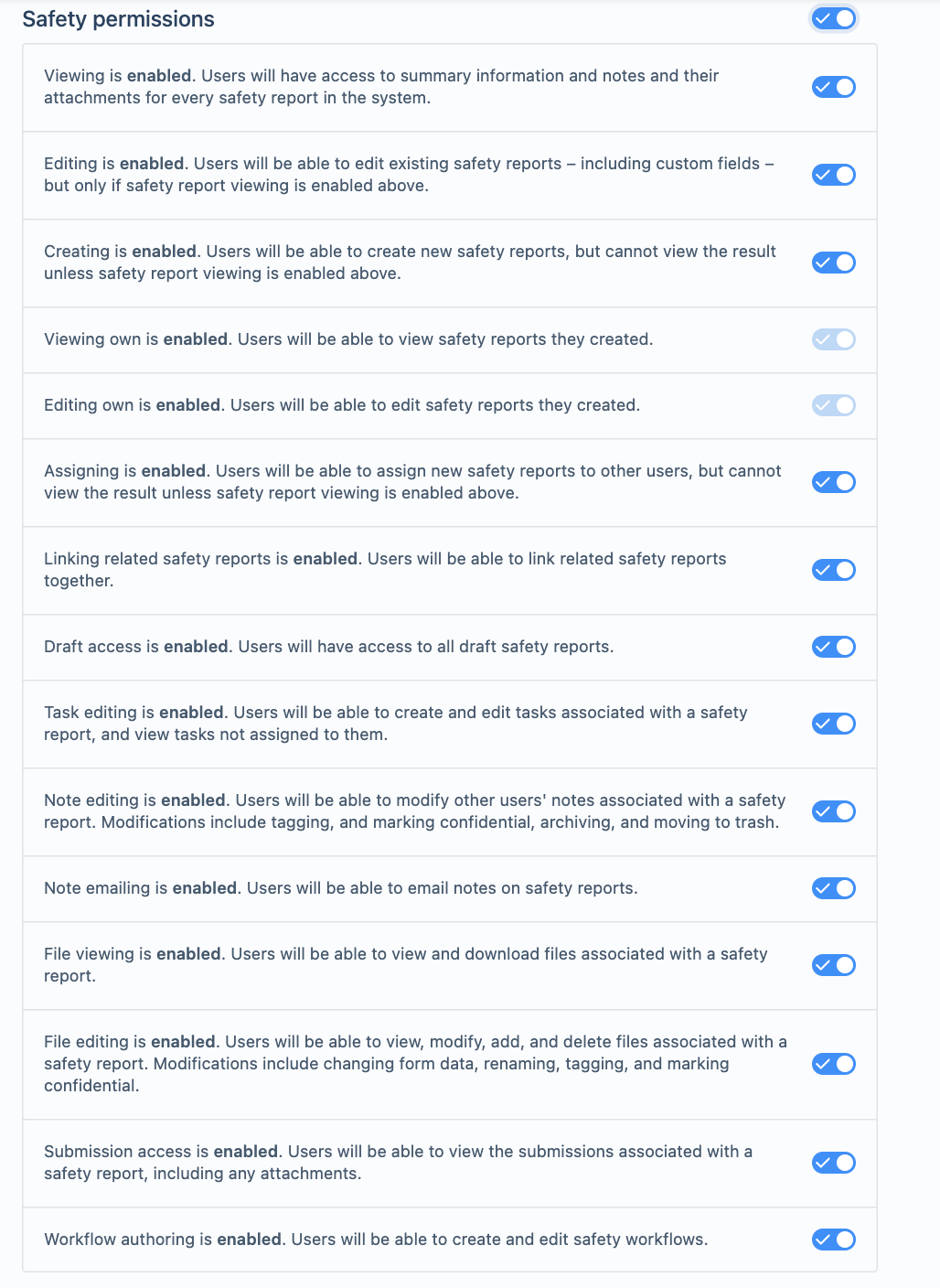
Safety Permissions
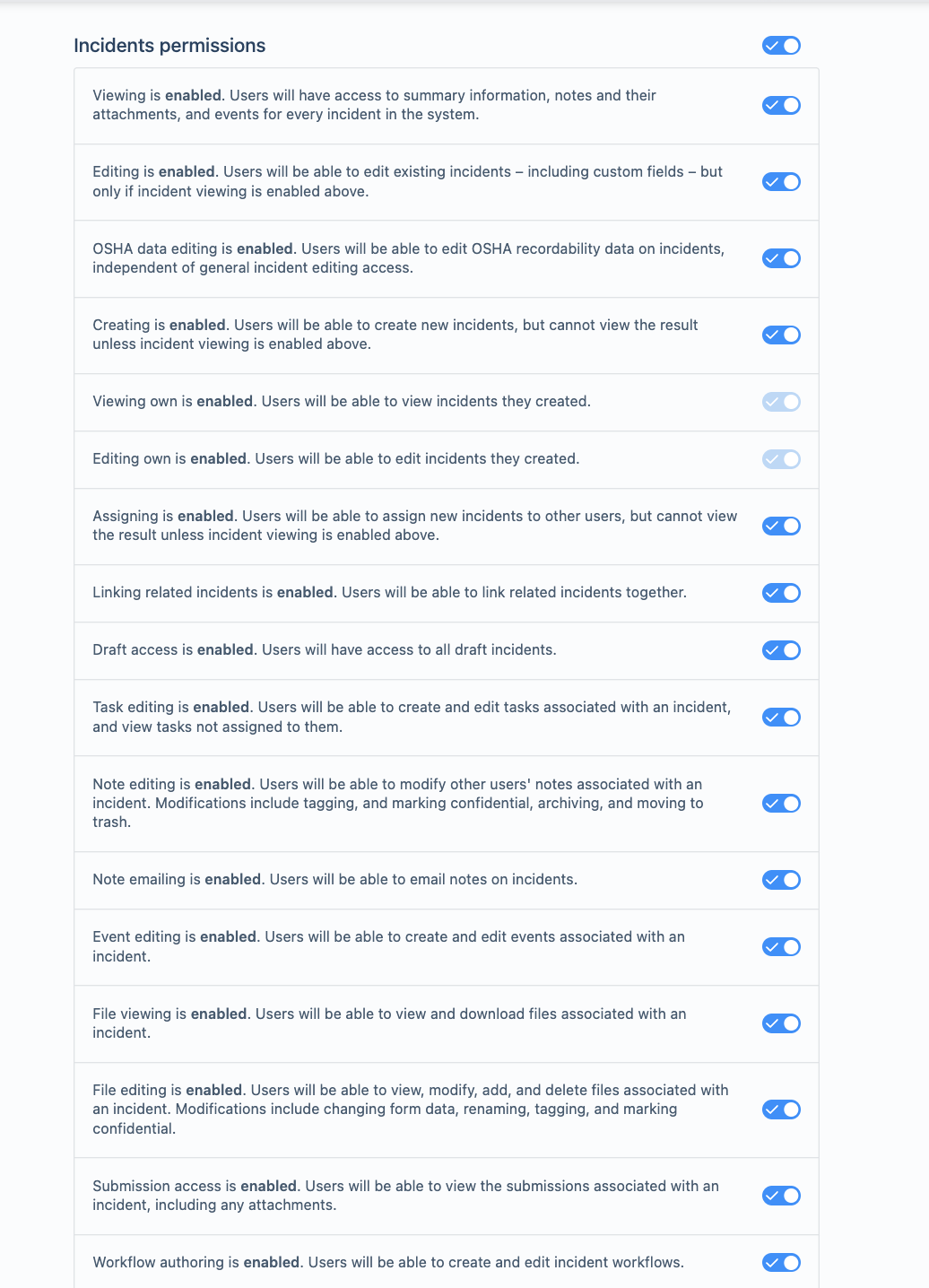
Incident Permissions
Policy Permissions
Claim Permissions
Location Permissions
Asset Permissions
Inbox Permissions
Tool Permissions
Users Permissions
Other Permissions
The confidential information setting, if disabled, does not allow that specific role to see any locked documents. A user with this role setting enabled will be able to see confidential documents. To lock a document (also known as making the document confidential), find the document in the Files tab of an incident, click on the title of it and click on the lock icon on the right side of the screen. You will be prompted to confirm that you would like to make this document confidential. Documents that have PPI, such as SSN, are automatically locked.
Duplicate resolution controls who gets the duplicate alert while entering a record, who receives possible duplicate notifications, and who sees and resolves the Possible duplicates section on a record. This permission is off for every role until an admin turns it on. It appears only when Duplicate Entry Detection is turned on for your account. See Duplicate Detection Insights for details.
Settings Permissions
Please reach out to your CXM if you have any questions about role permissions.
Comments
Please sign in to leave a comment.